
Every Day We Fight System Requirements on PC
The Steam page lists 64-bit Windows 10, 8 GB RAM, a GTX 1050 Ti and 20 GB of space as the minimum for Every Day We Fight.
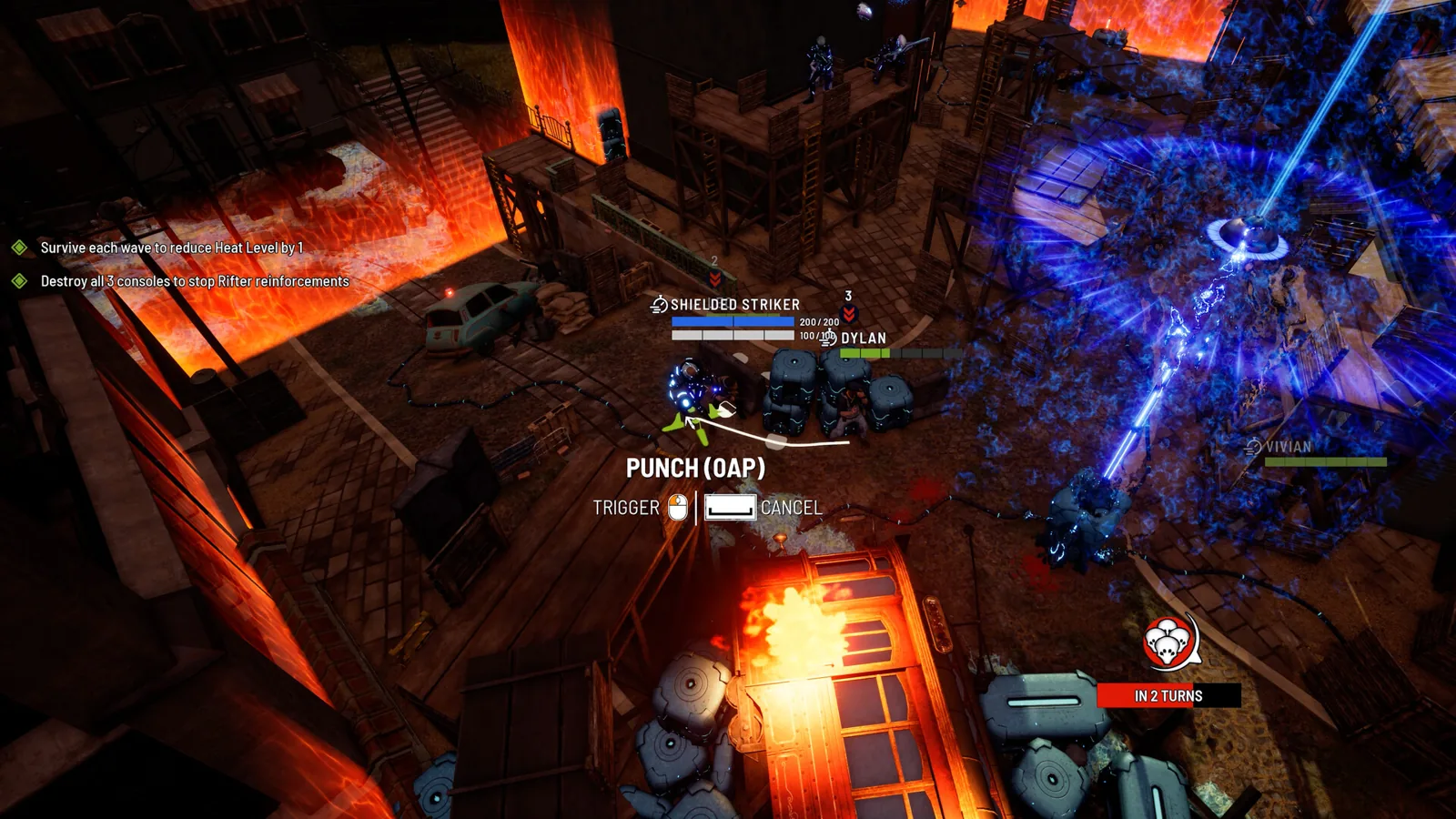
Table of Contents
Every Day We Fight is a PC game, and the numbers you need are on its official Steam page. The short version: a 64-bit Windows 10 machine with 8 GB of RAM, a GTX 1050 Ti or RX 470, and 20 GB of free disk space is the floor. The recommended tier doubles the RAM to 16 GB, moves to Windows 11, and asks for a GTX 1660 or RX 5600 with 6 GB of video memory.
The list below was published alongside the 1.0 release on 22 October 2026, so it reflects the finished game rather than an Early Access snapshot.
Minimum and recommended specs
| Component | Minimum | Recommended |
|---|---|---|
| OS | Windows 10 (64-bit) | Windows 11 (64-bit) |
| Processor | Intel Core i5-4590 (quad-core) / AMD FX-8350 (quad-core) | Intel Core i5-6600 (quad-core) / AMD Ryzen 3 2200G (quad-core) |
| Memory | 8 GB RAM | 16 GB RAM |
| Graphics | NVIDIA GeForce GTX 1050 Ti (4 GB) / AMD Radeon RX 470 (4 GB) | NVIDIA GeForce GTX 1660 (6 GB) / AMD Radeon RX 5600 (6 GB) |
| DirectX | Version 11 | Version 12 |
| Storage | 20 GB available space | 20 GB available space |
| Extra | 64-bit processor and OS required | 64-bit processor and OS required; SSD recommended |
What actually changes between the two tiers
Three of the gaps matter more than the rest. The RAM requirement doubles from 8 GB to 16 GB, the video memory target rises from 4 GB to 6 GB, and the graphics API moves from DirectX 11 to DirectX 12. If your card sits in the 4 GB bracket, the minimum row is the one to compare against, not the recommended one.
The disk footprint is identical at both tiers — 20 GB either way — so upgrading hardware does not mean reserving more space. The SSD note appears only on the recommended side, which reads as advice for load times rather than a hard requirement.
Both rows insist on a 64-bit processor and operating system, and both name quad-core CPUs. The CPU names differ (i5-4590 and FX-8350 at minimum, i5-6600 and Ryzen 3 2200G at recommended) but the core count does not, so the distinction is per-core speed rather than thread count.
Why a stable frame rate is worth thinking about
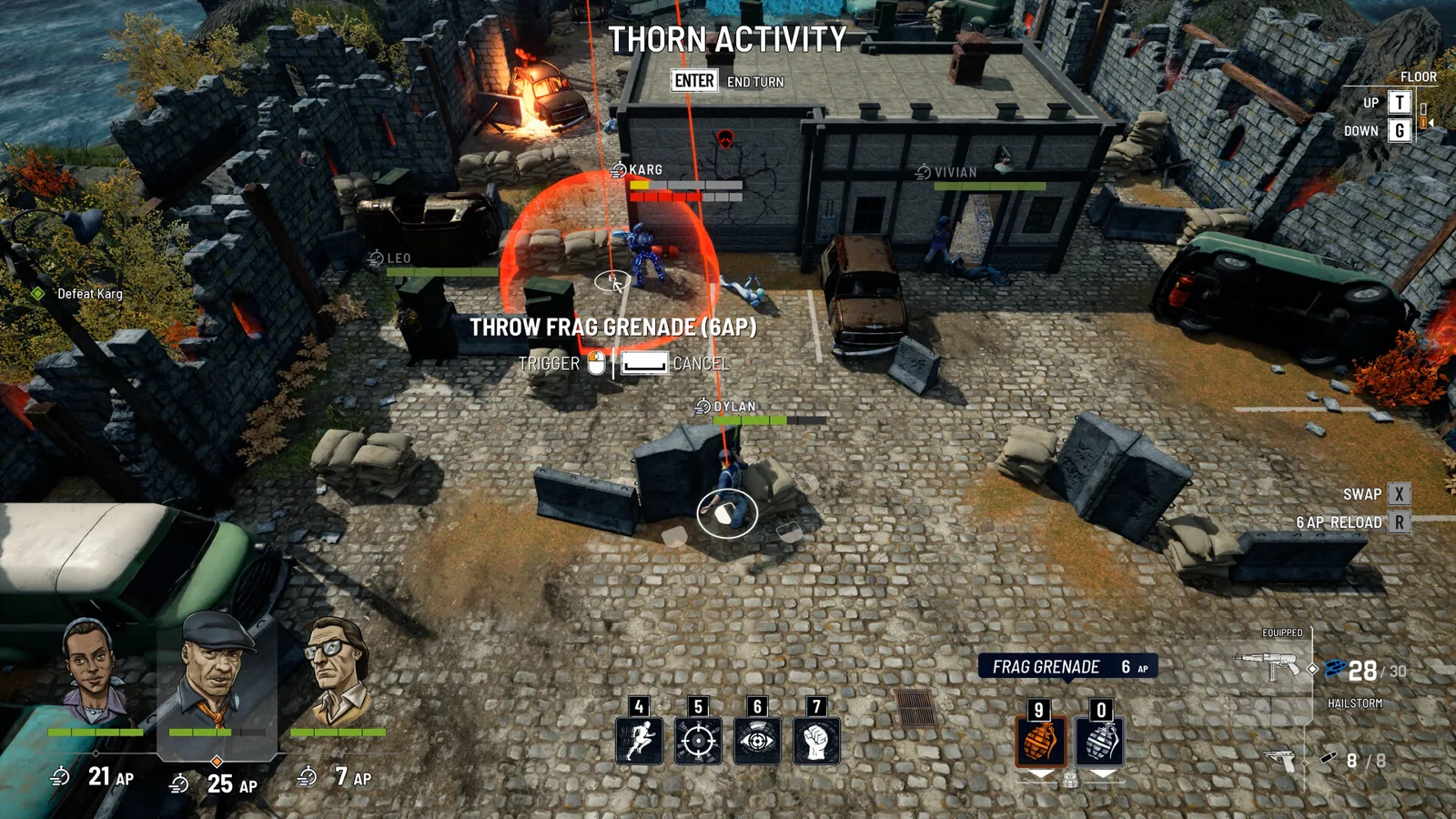
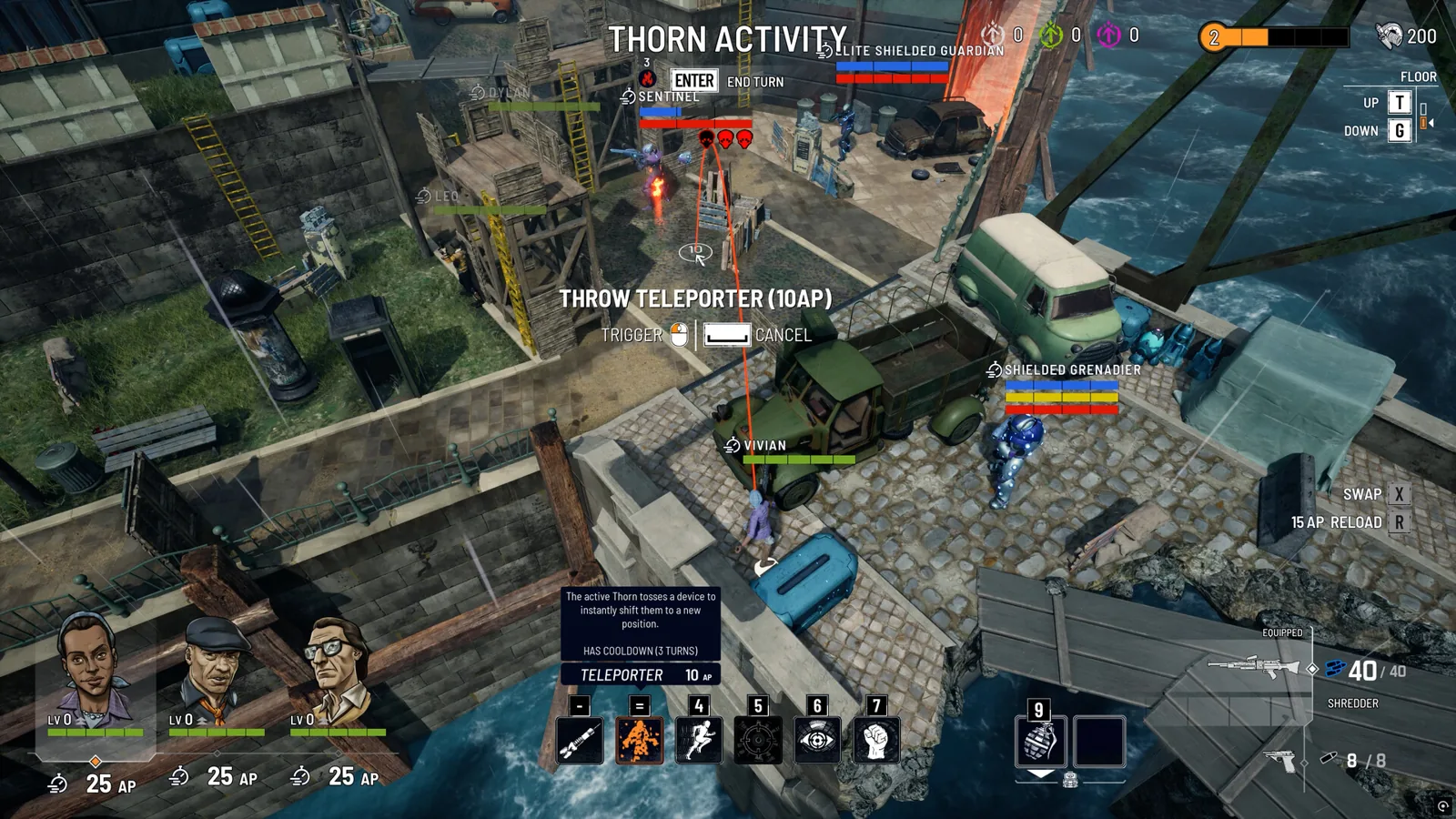
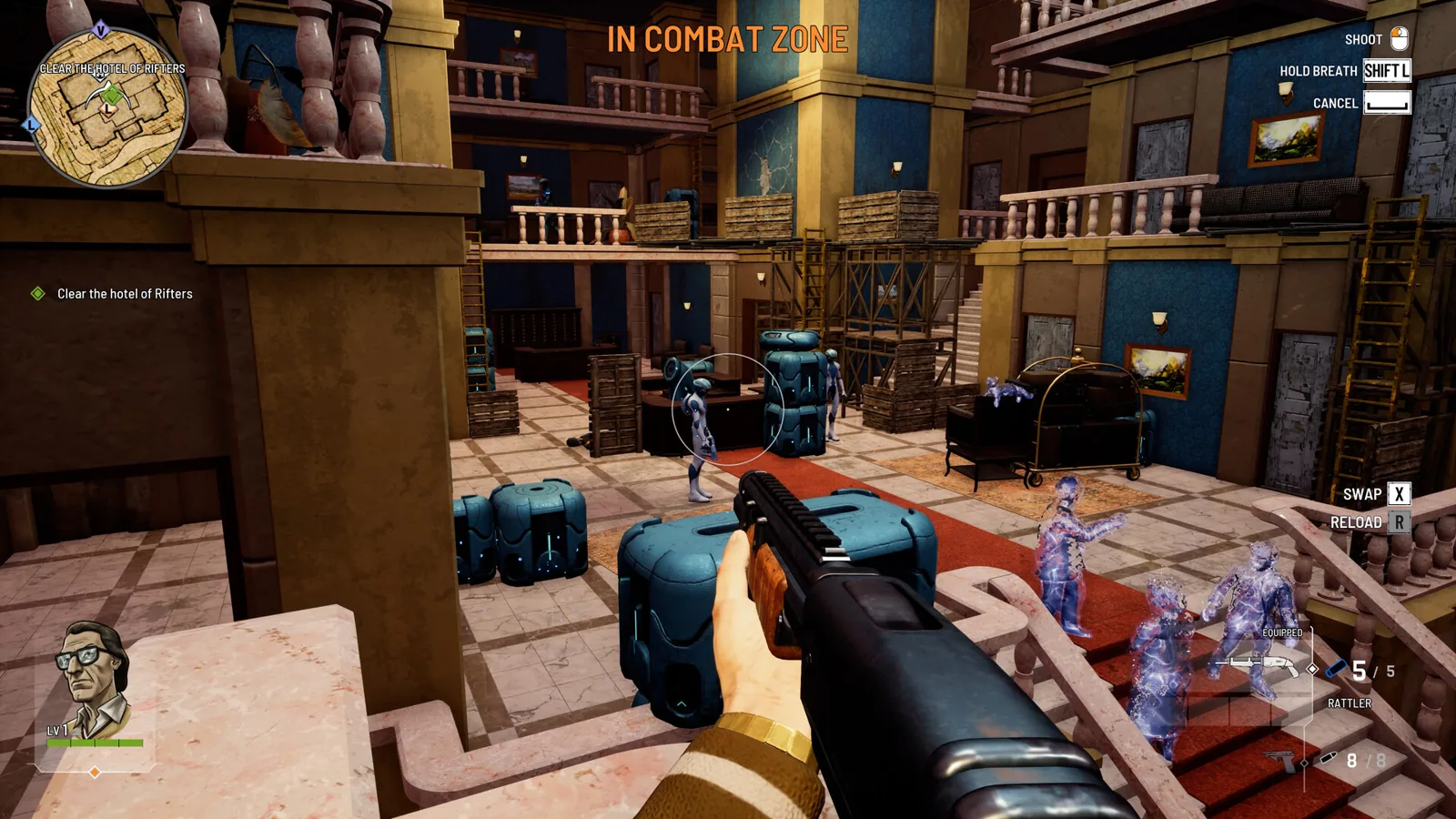
This is a turn-based tactics game with real-time exploration between fights, and the Steam page describes hit chances as coming from positioning, your own aim, and your reaction time rather than a dice roll. A hands-on aiming system like that is more sensitive to stutter than a game that resolves shots behind the scenes, so if you are deciding between meeting the minimum and the recommended tier, the smoother of the two is the one that protects the core mechanic.
Checking your own machine
System Requirements Lab's page for the game repeats the same two tiers and adds a few fields the store page leaves implicit: shader model 6.0, and dedicated video memory of 4096 MB minimum and 6144 MB recommended, matching the 4 GB and 6 GB figures in the card names. Its automatic detection app only runs on Windows, so if you are comparing from a Linux or macOS machine you will have to read the numbers off your own hardware and match them by hand. The site's listed requirements are the same ones the developer published, so it is a convenience rather than a second opinion.
Platform and version scope
As of 2026-10-23, the official Steam page lists Windows as the platform and does not list Switch or macOS. That is a statement about what that page shows, not a claim about what exists elsewhere. The page also confirms full controller support, Steam Cloud, and save-anytime functionality, which are worth knowing before you assume you need a keyboard and mouse setup.
If the game runs poorly on hardware that meets the list
These are general PC checks, not features anyone has documented testing for this game: confirm you are on a 64-bit Windows install, update your graphics driver, and try the recommended-tier advice of installing to an SSD. Lowering in-game graphics options is the usual first step on cards near the 4 GB line. If the game refuses to launch at all, checking the store page's own requirements against your exact GPU model is more useful than comparing against a similar-sounding card.
FAQ
What are the Every Day We Fight system requirements?
Minimum is Windows 10 64-bit, an i5-4590 or FX-8350, 8 GB RAM, a GTX 1050 Ti or RX 470 with 4 GB, DirectX 11, and 20 GB of space. Recommended is Windows 11 64-bit, an i5-6600 or Ryzen 3 2200G, 16 GB RAM, a GTX 1660 or RX 5600 with 6 GB, DirectX 12, and the same 20 GB, with an SSD suggested.
Do I need 16 GB of RAM to play?
No — 8 GB is the listed minimum. The 16 GB figure sits in the recommended column, so it is the target for the intended experience rather than a launch requirement.
Is an SSD required?
The Steam page does not mark one as required; it recommends an SSD in the additional notes for the recommended tier. The storage requirement itself is 20 GB of available space at both tiers.
Does the game run on Windows 11?
Yes. Windows 11 64-bit is the recommended operating system, while Windows 10 64-bit is the minimum. As of 2026-10-23, the official Steam page lists Windows only and does not list Switch or macOS.
Related guides for this game
Technical Guides Index
Every Day We Fight Click to Move: What 1.0 Notes Say
The 1.0 patch notes list click-to-move as a quality-of-life feature added during Early Access, alongside fast travel, but don't explain how to enable it.
Every Day We Fight Controller Support
Every Day We Fight lists full controller support on Steam and is Steam Deck Verified — what that covers, and what to check if a pad isn't picked up.
Combat Guides Index

Every Day We Fight Action Points: How the Turn Pool Works
Action Points pay for moving, shooting, reloading and Overwatch in Every Day We Fight, and leftovers can roll into the next turn.
Every Day We Fight Heat Meter: Risk, Loot and Control
Heat is Every Day We Fight's risk-reward dial: higher heat means harder fights and better drops, and Sabotage and Ambush missions let you raise or lower it.
Every Day We Fight how to break armor plates
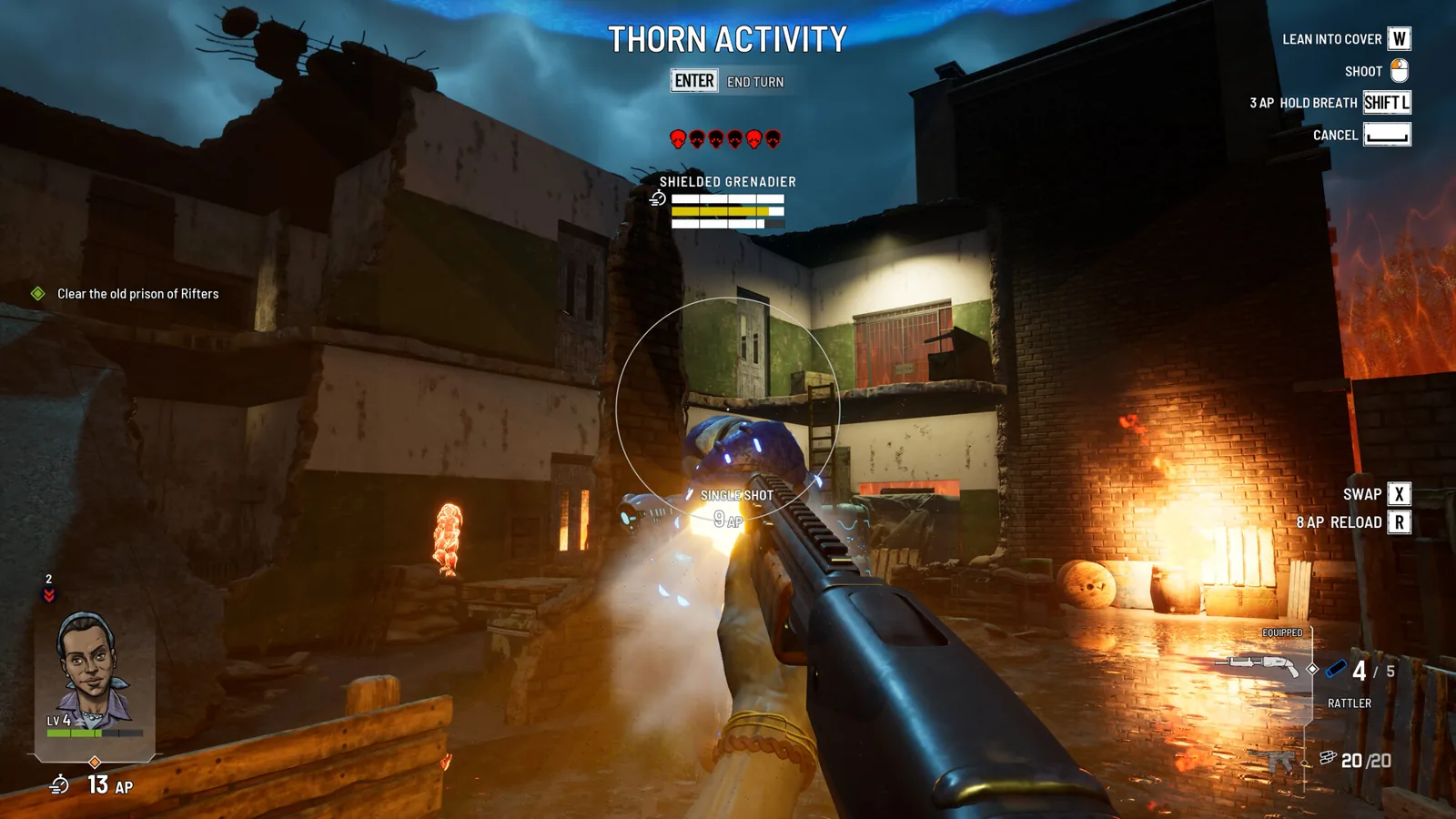
Armor in Every Day We Fight comes off plate by plate: aim at the head, chest, arms or legs, and read the damage preview to see armor versus HP.
Every Day We Fight Overwatch: Manual Reaction Shots
Overwatch in Every Day We Fight is a hands-on first-person shot you aim yourself. It costs action points and your Reflex, and locks you in place.