
Every Day We Fight Harvester Guide: Power Cores
How harvester missions work in Every Day We Fight, what the power cores imply for your approach, and the combat habits that see your squad through.
Table of Contents
Harvester missions are one of the objective types Every Day We Fight builds its campaign around. The official Steam page groups them with the other ways you push back against the invasion: "shut down their harvesters, defuse their bombs, and take out their occupying troops to gain the skills you need and secure victory." So a harvester isn't a separate mode — it's a combat-zone objective, and the thing you're actually breaking is the machine's power cores.
This page covers what's documented about those missions and the combat habits that carry over from ordinary fights. It doesn't hand you a room-by-room route, because the Steam page and the Epic Games Store tips guide describe harvester missions only in general terms.
What a harvester mission actually asks
The store description frames harvesters as infrastructure: the aliens are harvesting something from your city, and shutting that down is one of the mission types that earns progression. Since 1.0, rewards arrive after every fight rather than being tied to scouring the map, so a harvester mission is a direct route to new skills and gear rather than a detour you squeeze in between supply runs.
Harvesters show up inside combat zones in the city's districts. The 1.0 patch notes on Steam mention a harvester power core re-emerging in the Act 2 alleyway combat zone and an invisible collision next to the western side of a harvester, which is the closest thing to a location note the official pages give.

Power cores are the part that matters
The 1.0 patch notes are more specific than the store description. They refer to Power Cores during Harvester combat — one fix concerns a core on the harvester's northwest side, another concerns cores drifting away while the reflex UI is open. Two things follow from that wording:
- A harvester is a multi-part target you work at from different angles, not a single object you shoot once.
- Cores can sit on different sides of the structure, so circling the harvester and clearing sightlines matters.
What the notes don't say is how many cores a harvester carries or what order to take them in. Treat any fixed sequence you see in a video as that player's route, not a rule the game enforces.
Combat habits that pay off in a harvester fight
These are the mechanics the game documents, and they matter more than usual when part of the battlefield is a large structure you have to approach.
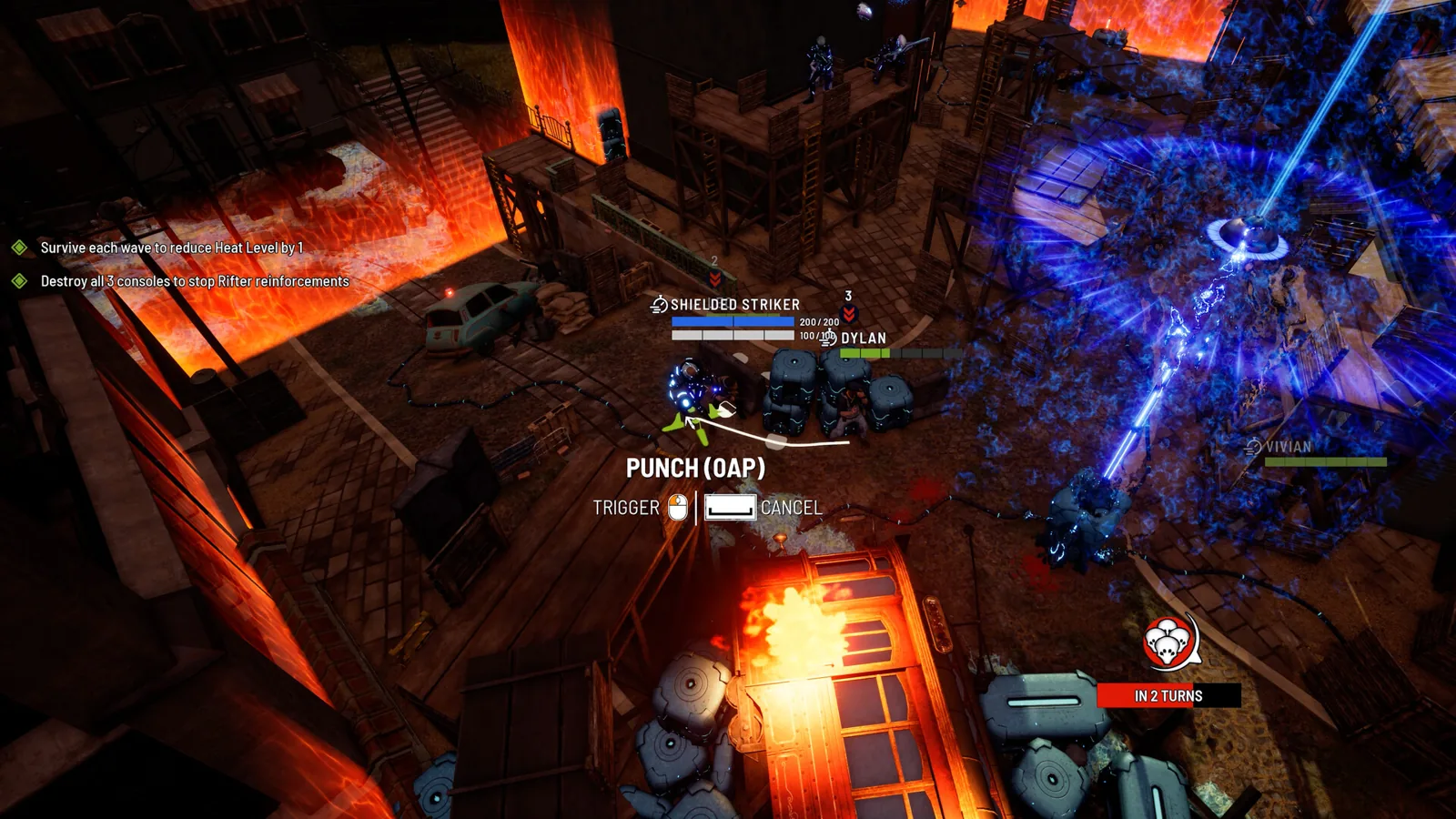
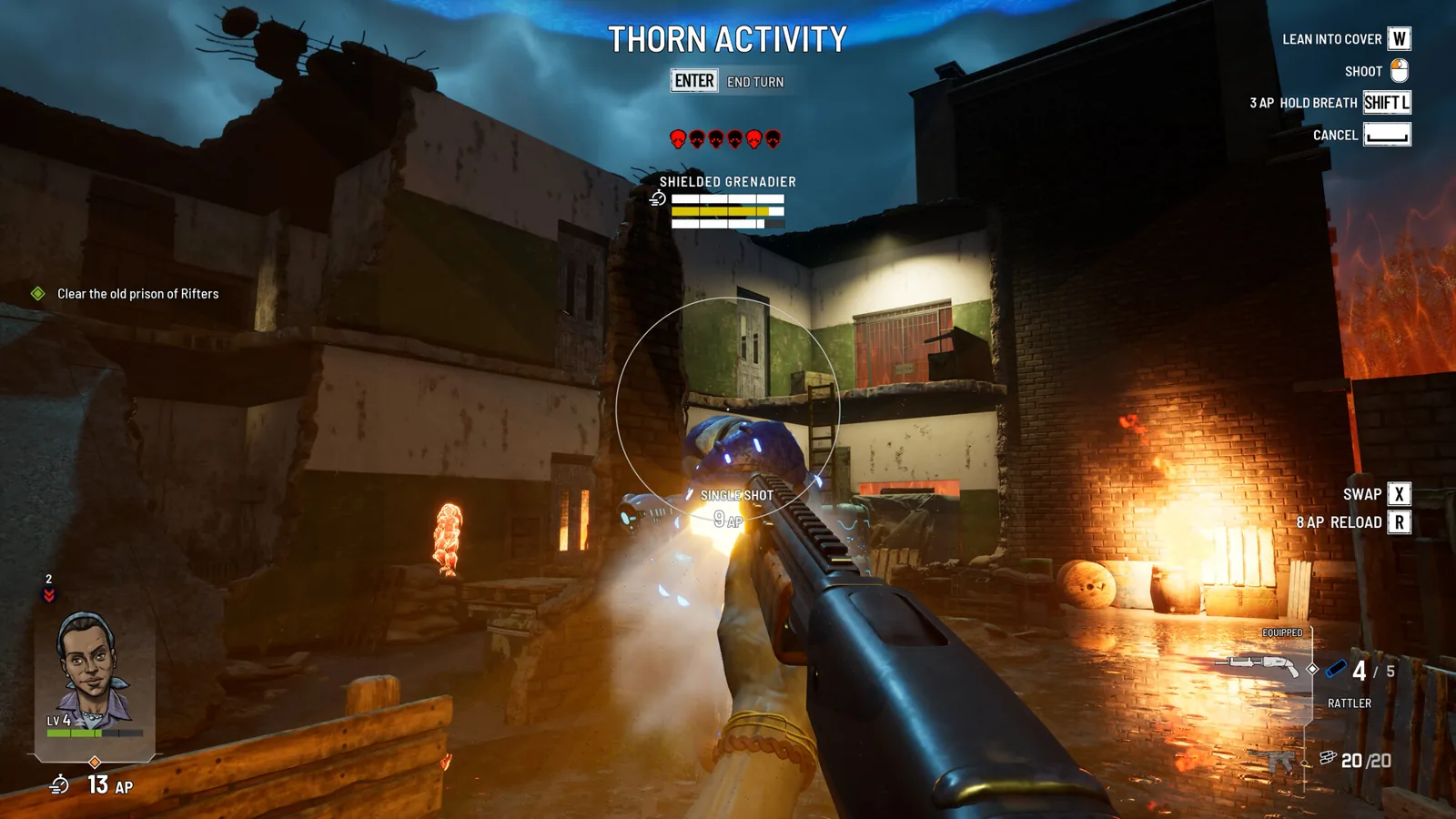
Aim every shot yourself. The Steam page is explicit that hit chance comes entirely from positioning, your aim, and reaction time, with ballistics accounting for firing angles and obstructions. A harvester's bulk is cover for the Rifters around it as much as for you, so reposition until you have a clean line rather than firing into the structure.
Spend action points deliberately. Moving, shooting, and reloading all draw from the same pool, and unspent points partly carry into the next turn — tutorial text quoted in a 1.0 first-look video puts the carryover cap at five. Bank a few when you expect a push.
Know what Overwatch costs. The Epic tips guide warns that setting Overwatch locks a character in place and costs their reflex action for that turn, so they can't scramble away when fire comes back. In a harvester fight, where you're often exposed while working on the machine, that trade is worth thinking through before you commit.
Use reflex actions on both sides of the turn. The Steam page describes unique reflex actions per character for interrupting enemy movement, assisting allied kills, or scrambling out of fire. The same page notes the Rifters get reactions too, so expect them to break from cover as your bullets start flying.
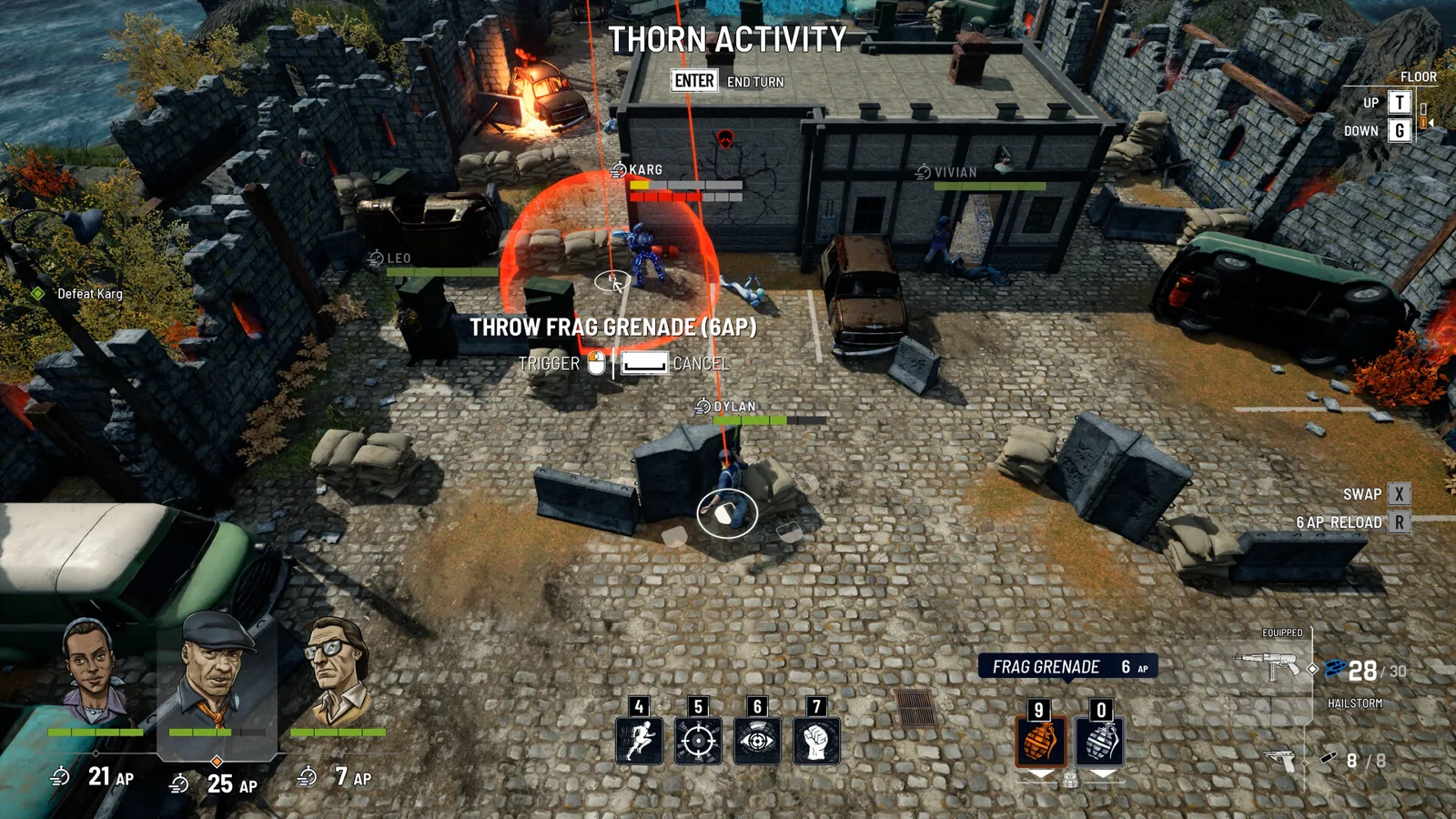
Save explosives for clumps and chokepoints. The Epic guide points out that enemies get a few seconds to scatter from a grenade, so they land best in tight spaces or against enemies already pinned. The same guide notes explosives open cracked walls, and a 1.0 playthrough shows red gas canisters doubling as environmental demolition.
Before you go in
A short checklist rather than a promise:
- Top up healing items and grenades from loot before starting a zone; the Epic guide notes explosives are scarce and costly to craft.
- Check your weapon's fire mode and attachments at a workbench before the fight, not during it.
- Pick a difficulty you can actually aim under. The Steam page confirms multiple difficulty modes and customizable settings, and the 1.0 notes list balance changes to enemies, weapons, mods, and scrap.
- Since 1.0 you can make manual and in-combat saves, so a bad opening in a harvester zone doesn't have to cost you the run.
If the objective stalls
If the harvester is wrecked but the objective doesn't clear, first check whether a power core on another side is still standing — that's the part of the structure the patch notes treat as separately targetable. If the model vanishes or a core behaves strangely, reload your last autosave: the 1.0 notes list fixes for the harvester base asset going missing after destruction, for cores drifting during the reflex UI, and for an invisible collision beside the harvester. Those fixes shipped with 1.0 on 2026-10-22, so if you're on an earlier build, expect the rougher behaviour the notes describe.
FAQ
Is there a full harvester guide for Every Day We Fight?
Not a step-by-step one. The official Steam page lists shutting down harvesters as a mission type without walking through a specific fight, and the Epic tips guide covers combat generally. The practical answer is the general combat loop — manual aiming, action-point economy, Overwatch trade-offs, and working the power cores from multiple angles.
What are the power cores on a harvester?
They're the targetable parts the 1.0 patch notes refer to during Harvester combat, including one on the harvester's northwest side. The notes confirm they exist and can misbehave visually, but they don't state how many a harvester has.
Can I save during a harvester fight?
Yes. In-combat and manual saves were added as part of the 1.0 update, replacing the earlier checkpoint-only approach.
Where do harvester missions appear?
In combat zones across the city's districts. The 1.0 patch notes specifically reference a harvester power core in the Act 2 alleyway combat zone, and a fix for collision on a harvester's western side.
Related guides for this game
Guide Guides Index
Every Day We Fight Beginner Guide: Your First Loops
A newcomer's guide to Every Day We Fight: manual aiming, reflex actions, the fixed three-person squad, time-loop carryover and difficulty options.
Combat Guides Index
Every Day We Fight Action Points: How the Turn Pool Works
Action Points pay for moving, shooting, reloading and Overwatch in Every Day We Fight, and leftovers can roll into the next turn.
Every Day We Fight Heat Meter: Risk, Loot and Control
Heat is Every Day We Fight's risk-reward dial: higher heat means harder fights and better drops, and Sabotage and Ambush missions let you raise or lower it.
Every Day We Fight how to break armor plates
Armor in Every Day We Fight comes off plate by plate: aim at the head, chest, arms or legs, and read the damage preview to see armor versus HP.
Every Day We Fight Overwatch: Manual Reaction Shots
Overwatch in Every Day We Fight is a hands-on first-person shot you aim yourself. It costs action points and your Reflex, and locks you in place.
Every Day We Fight Reflexes: How Reactions Work
Reflex actions in Every Day We Fight explained: scrambling out of gunfire, Kill Assist, Covering Fire, Dylan's punch, and the Overwatch trade-off.