
Every Day We Fight Controller Support
Every Day We Fight lists full controller support on Steam and is Steam Deck Verified — what that covers, and what to check if a pad isn't picked up.
Table of Contents
Yes — Every Day We Fight has full controller support on Steam. The official Steam page lists "Full controller support" among the game's features and names Xbox controllers in its controller section, which on Steam means the entire game can be played without a keyboard or mouse: exploration, turn-based combat, the first-person shooting, and the menus.
What the Steam listing confirms
As of 2026-10-23, the official Steam page for the 1.0 release (launched 2026-10-22) shows:
- Full controller support in the feature list, alongside single-player, Steam Achievements and Steam Cloud.
- Xbox Controllers named in the page's controller section.
- Steam Deck compatibility: Verified.
- A Windows platform listing, which is what that particular page covers.
The developer's own 0.9 update notes (2026-06-26) also include a controller-specific fix — movement being unable to be cancelled during combat when using a controller — which tells you the pad path through combat is actively maintained, and that older builds could show that particular annoyance.
Aiming is where a pad feels different
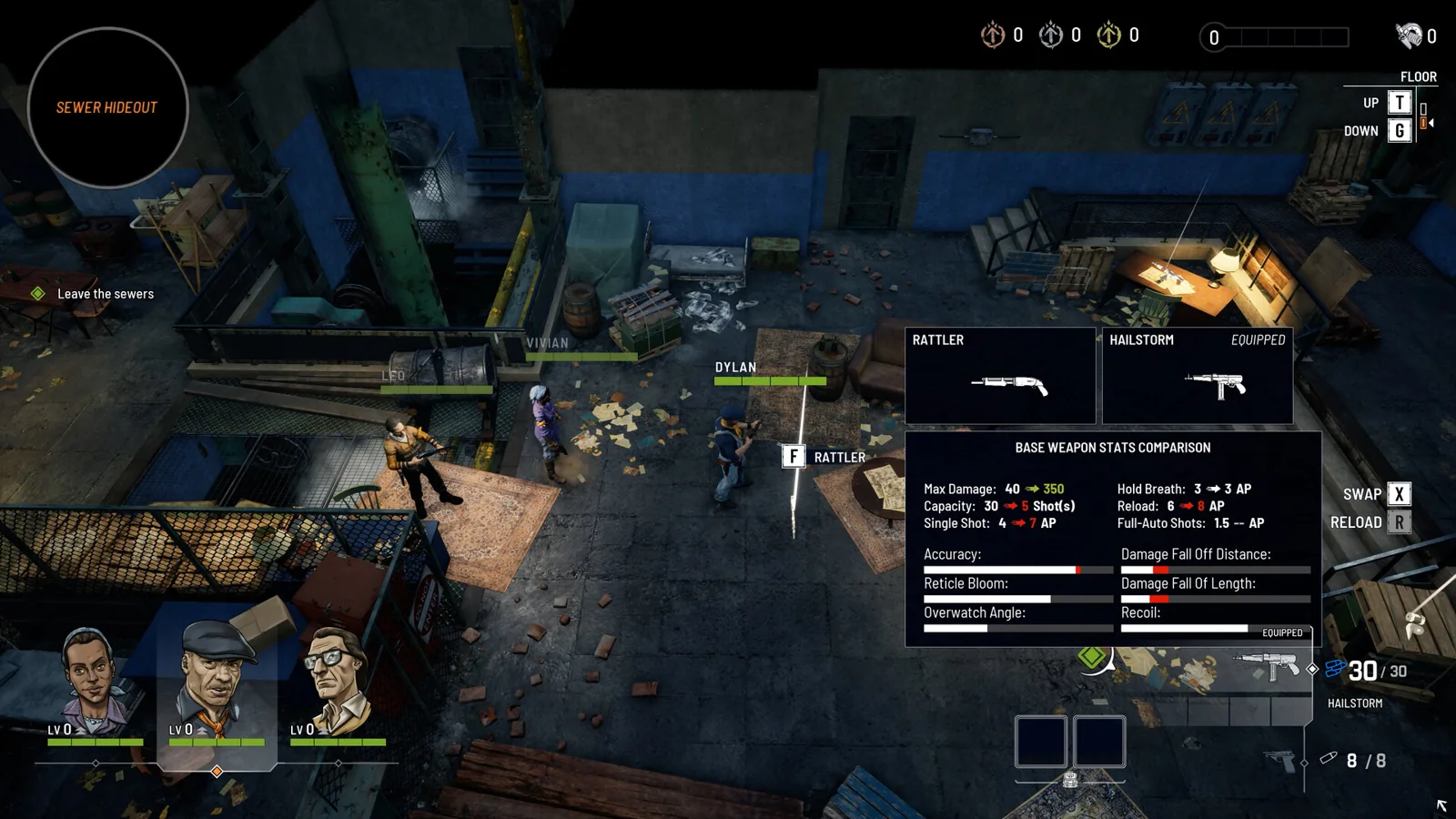
Every Day We Fight is not a game where the dice decide your shots. The developer describes combat as taking "direct control of every shot as you aim down the sights," with hit chance coming from positioning, aim and reaction time rather than a rolled percentage. Turn-based tactics plus manual aiming is an unusual pairing, and the aiming step is the part where your input device matters most: it is the closest thing here to a mouse-driven action, and it is worth trying in the prologue before you commit to a long run.
The Steam page publishes the support level, not a button map. Bindings and control-scheme options live inside the game's own settings, so check those first if something feels off rather than assuming the pad is unsupported.
Steam Deck
Steam Deck compatibility is rated Verified on the store page, which is Valve's highest rating — meaning the default controller layout, readable text and performance were judged playable without manual tweaking. That rating is separate from the desktop "full controller support" flag but points the same way: the game is built to be played on a pad.

If your controller isn't picked up
These are ordinary Steam-side checks, not features documented for this game:
- Launch the game through Steam so the Steam Input layer is active; a shortcut launched outside Steam can lose controller handling.
- Open Steam's own controller settings and confirm the pad is detected and a layout is assigned to Every Day We Fight.
- Try a wired USB connection, or remove and re-pair a Bluetooth pad, before blaming the game.
- Make sure you are on a current build — the controller movement fix landed in the 0.9 update, so a very old install may behave differently.
If a pad still refuses to register, the keyboard-and-mouse path remains fully available for every part of the game.
FAQ
Does Every Day We Fight have controller support?
Yes. The official Steam page lists full controller support, so the whole game — exploration, combat and menus — can be played on a controller.
Which controllers does Every Day We Fight support?
The Steam page's controller section names Xbox controllers. Steam's own input layer can present other pad types as an Xbox-style controller, which is a Steam feature rather than something the game's page documents.
Is Every Day We Fight good on Steam Deck?
The Steam page rates it Steam Deck Verified, Valve's top compatibility tier, so it is expected to run with the default controls and readable text without manual configuration.
Does controller support cover the first-person shooting, or only menus?
Full controller support on Steam means the entire game, not just menus. Since shooting is aimed by hand rather than resolved by a dice roll, the aiming step is the part most worth testing early with whichever pad you plan to use.
Related guides for this game
Technical Guides Index
Every Day We Fight Click to Move: What 1.0 Notes Say
The 1.0 patch notes list click-to-move as a quality-of-life feature added during Early Access, alongside fast travel, but don't explain how to enable it.
Every Day We Fight System Requirements on PC
The Steam page lists 64-bit Windows 10, 8 GB RAM, a GTX 1050 Ti and 20 GB of space as the minimum for Every Day We Fight.
Combat Guides Index
Every Day We Fight Action Points: How the Turn Pool Works
Action Points pay for moving, shooting, reloading and Overwatch in Every Day We Fight, and leftovers can roll into the next turn.
Every Day We Fight Heat Meter: Risk, Loot and Control
Heat is Every Day We Fight's risk-reward dial: higher heat means harder fights and better drops, and Sabotage and Ambush missions let you raise or lower it.
Every Day We Fight how to break armor plates
Armor in Every Day We Fight comes off plate by plate: aim at the head, chest, arms or legs, and read the damage preview to see armor versus HP.
Every Day We Fight Overwatch: Manual Reaction Shots
Overwatch in Every Day We Fight is a hands-on first-person shot you aim yourself. It costs action points and your Reflex, and locks you in place.